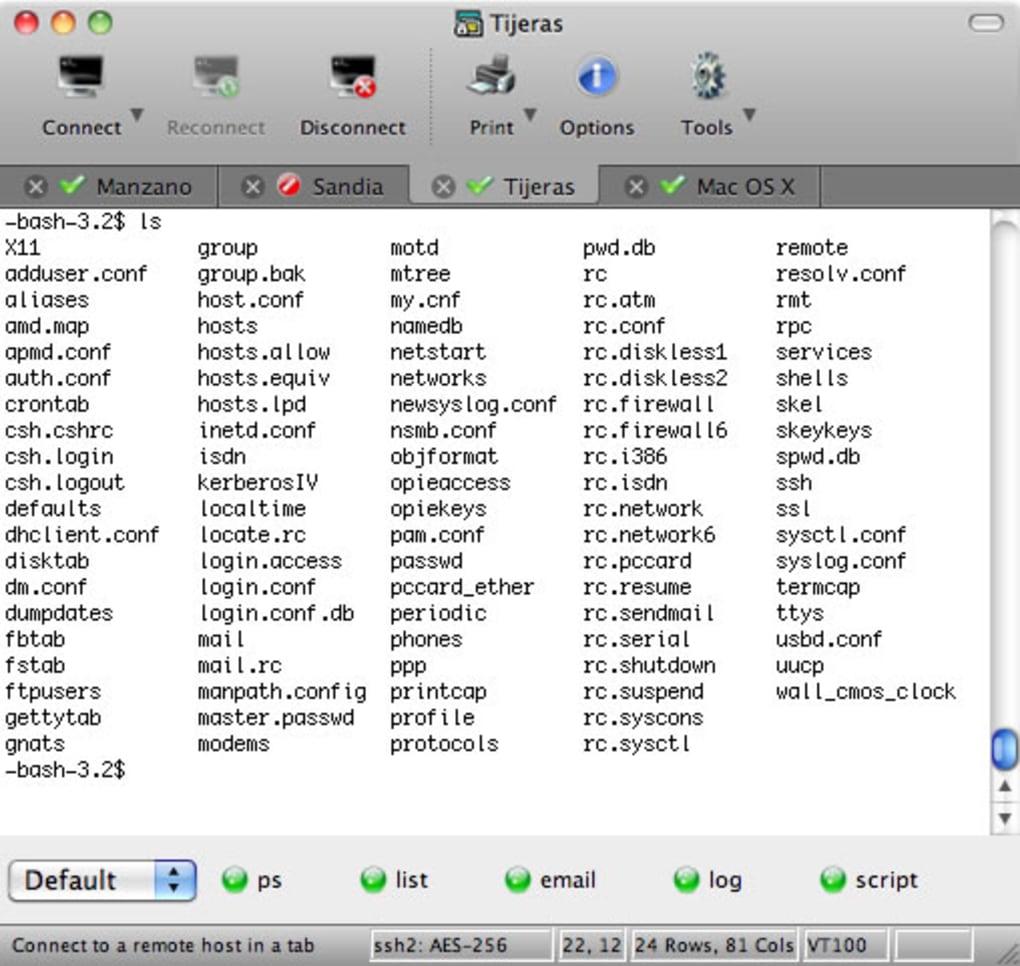

Terminal emulation security experts SecureCRT uses very strong encryption with a broad range of authentication options that can be used to protect passwords, user accounts, data, and computer systems. Protecting data from interception is a difficult task with so many trojans and hackers willing to exploit data holes. SecureCRT also provides secure remote access, file transfers, and data tunneling within an organization or company.
SecureCRT also offers session management and customization features, for those that need to work in multiple sessions. SecureCRT emulates a number of major terminal consoles such as VT100, VT102, VT220, ANSI, SCO ANSI, Wyse 50/60, Xterm, and even Linux. SecureCRT can also help you automate routines so that you don't have to worry about executing them manually.
SecureCRT was originally designed for Windows and it's not exactly as necessary or as tailored for OS X. However, once mastered, it can be an excellent tool to keep your data encrypted. SecureCRT is a great terminal manager and secure authenticator that can help protect your most sensitive data.
Changes Changes: When GSSAPI authentication is specified for a session, SecureCRT now looks for "libgssapi_krb5.dylib" in addition to "libgssapi.so". Bug fixes: If buttons were added to a new button bar and then an attempt was made to switch to a different button bar, SecureCRT could crash. When Ymodem was used to transfer multiple files, only the first file was transferred correctly and sometimes the error "Invalid access to memory location" occurred.
In the Quick Connect dialog, if the port number was changed to something other than the default, the port number was reset to the default the next time the Quick Connect dialog was opened. Mac: If the global option "Confirm when closing multiple tabs" was set and the "Do you wish to connect from all sessions?" prompt was displayed, SecureCRT closed even when "No" was selected.







